How to Check Your Safe Wallet's Security in 60 Seconds
Check your Safe wallet's security in 60 seconds. Learn how to verify owners, threshold, modules, guards, and implementation using Safe Inspector.

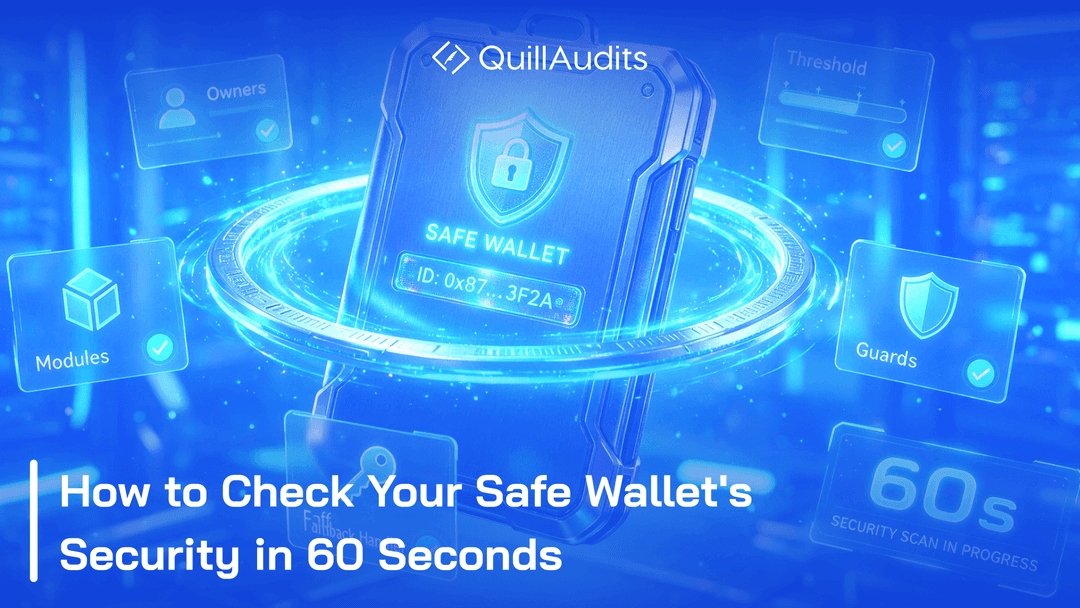
A Safe's security is not fixed the day it's deployed. Owners come and go. Modules get added for one small reason and then never removed. The contract logic underneath can even change, without a single coin moving. None of this shows up on its own. Someone has to check. This is a walkthrough of what that check looks like, using Safe Inspector on a real Safe.
What You'll Need
Just a Safe address. No wallet connection, no signature, nothing to install. No owner keys. Not an API key. A public address is all it takes to read back everything below.
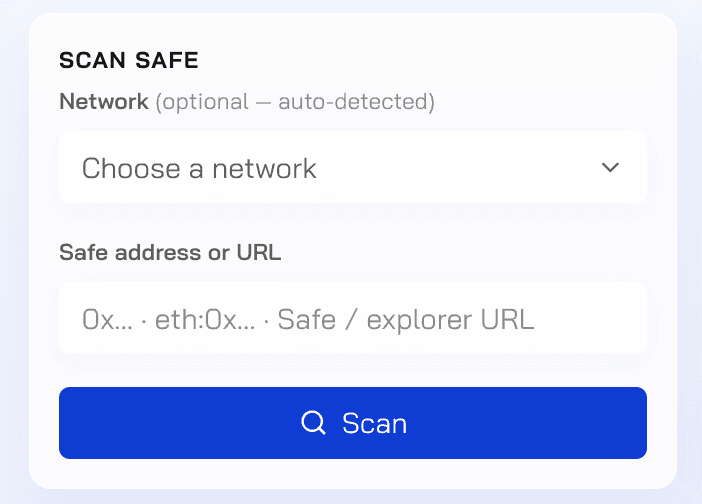
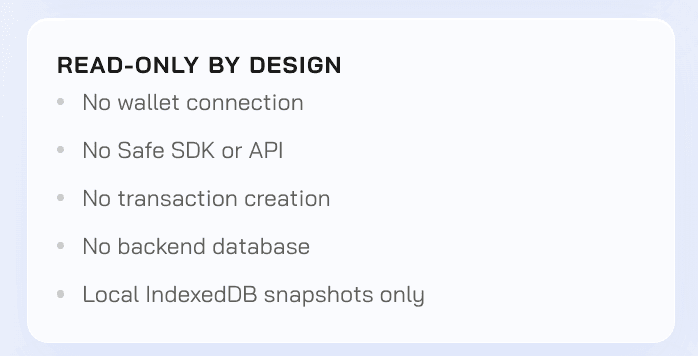
You don't even need to own the Safe you're checking. Nothing gets written anywhere, and nothing beyond the address itself is requested, so the same check works whether it's your own treasury or someone else's. If you can see the address, you can run it.
Running a Config Check
Paste the address into Safe Inspector and get back a full read of the current state: owners, threshold, modules, guards, and implementation address.
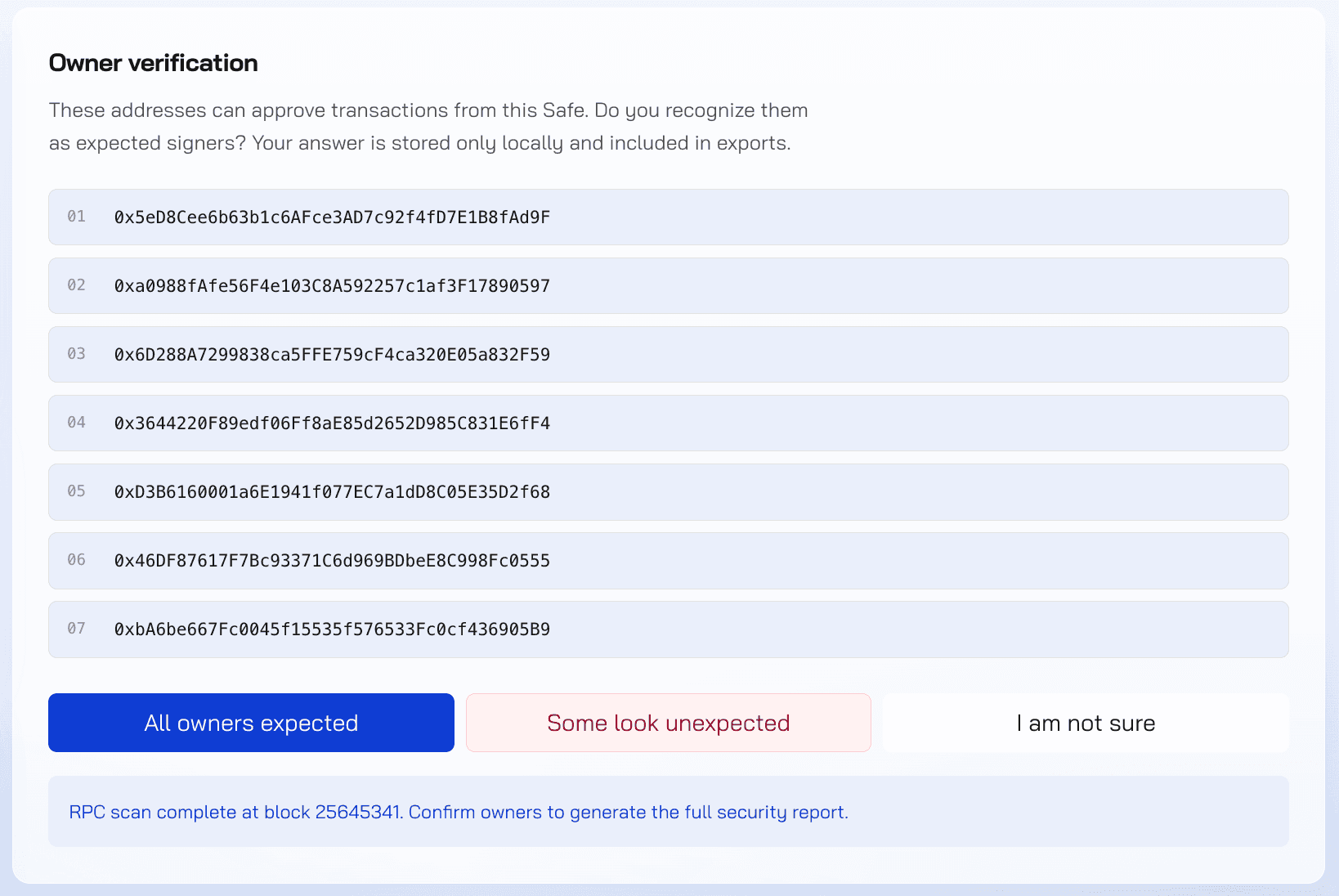
The first thing you see is the current owner list. Check it against who you actually expect to hold a key, then the rest of the report opens up.
Once that list is confirmed, everything else loads right underneath it.
Owners and Threshold
Owners and threshold answer the simplest question a multisig has: who can approve something, and how many of them need to agree. Both are worth checking against who and what it should be today, not what it was set to on day one. Someone who left the team a year ago does not remove themselves from the list. Nobody does that step unless a report puts it in front of them.
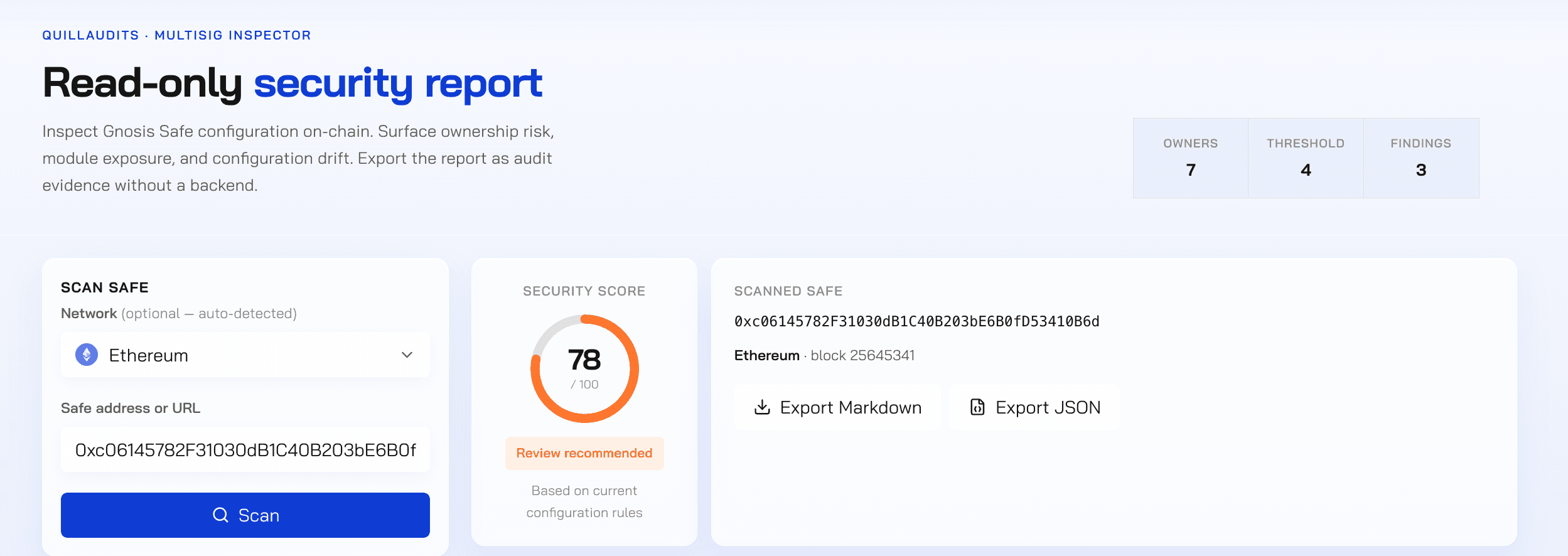
This Safe has 7 owners and a 4-of-7 threshold. All seven are confirmed here as expected. That confirmation is the actual point: not that the count looks fine, but that every single address is one someone recognizes.
A threshold that was right on day one does not stay right by itself. The only way to know it still matches, is to look again.
Modules and Guards
Owners and threshold cover who can approve. Modules and guards cover everything else a Safe allows outside that basic approval step. A module can act on the Safe without going through the normal signing process at all. A guard adds extra rules on top of the threshold. Neither one is automatically a problem. But both deserve the same scrutiny as an unfamiliar owner, for a concrete reason, a module can be set up to let certain actions happen without collecting any signatures at all. That means it can bypass the threshold you're relying on completely, not just add to it.
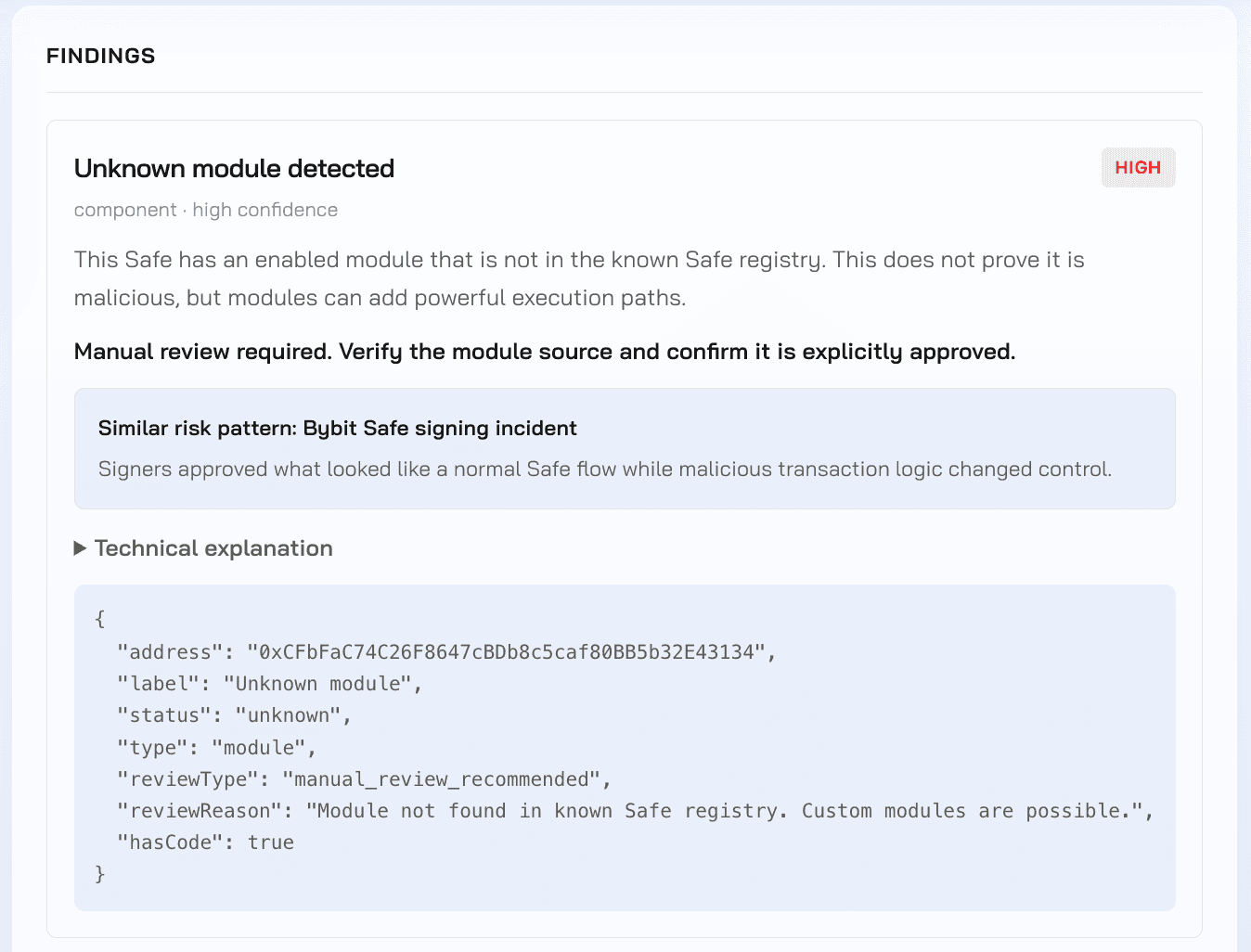
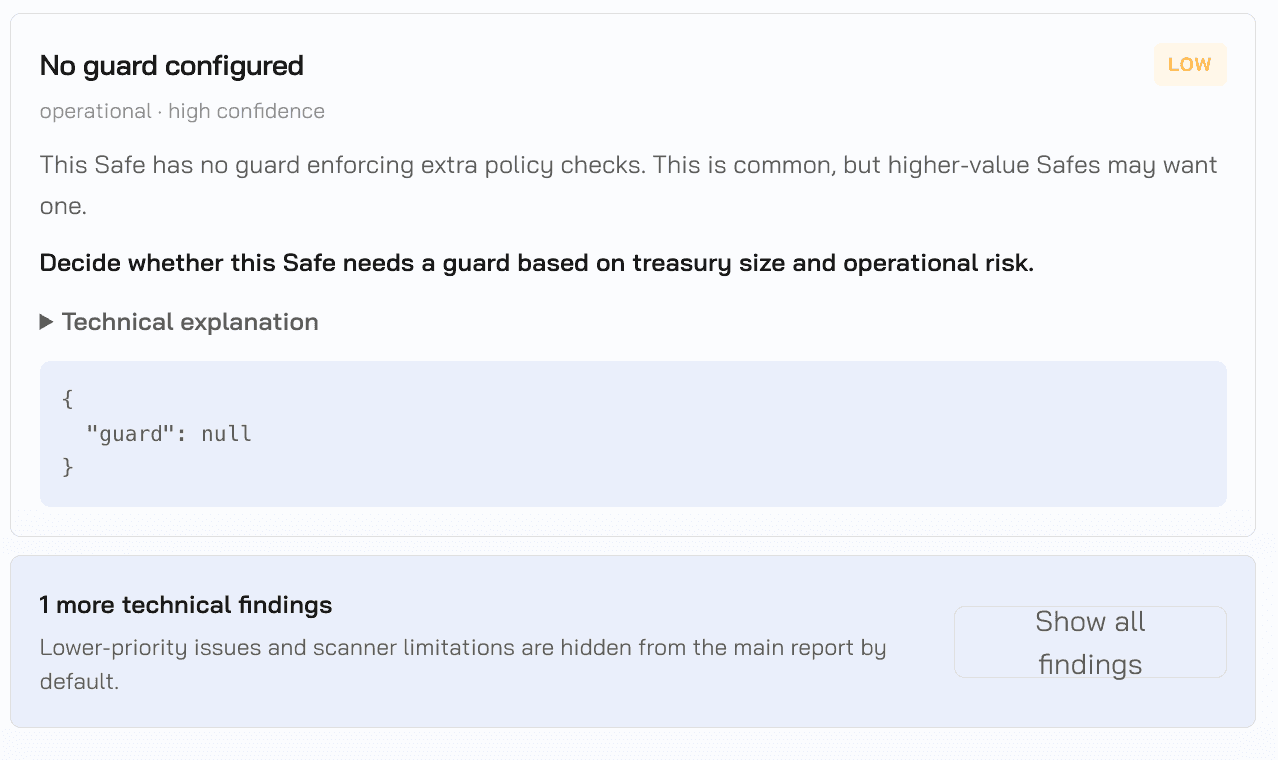
This Safe has one module enabled and no guard set up. Neither of those facts shows up in a balance check or a block explorer. Both are sitting right here in one read.
The module on this Safe does not match anything in the known Safe registry, which is why the report flags it as a high severity finding, covered in more detail below. Having no guard is not unusual, most Safes don't have one, but it's still better to know that for certain than to assume it.
Implementation Address
Think of a Safe as two parts. There's the proxy, the address you actually interact with, and there's the implementation contract behind it, sometimes called the singleton, which holds the actual logic for how the Safe behaves. A fallback handler sits alongside it, handling anything the proxy can't do on its own. Checking that both of these are the real, original contracts, and not something swapped in.
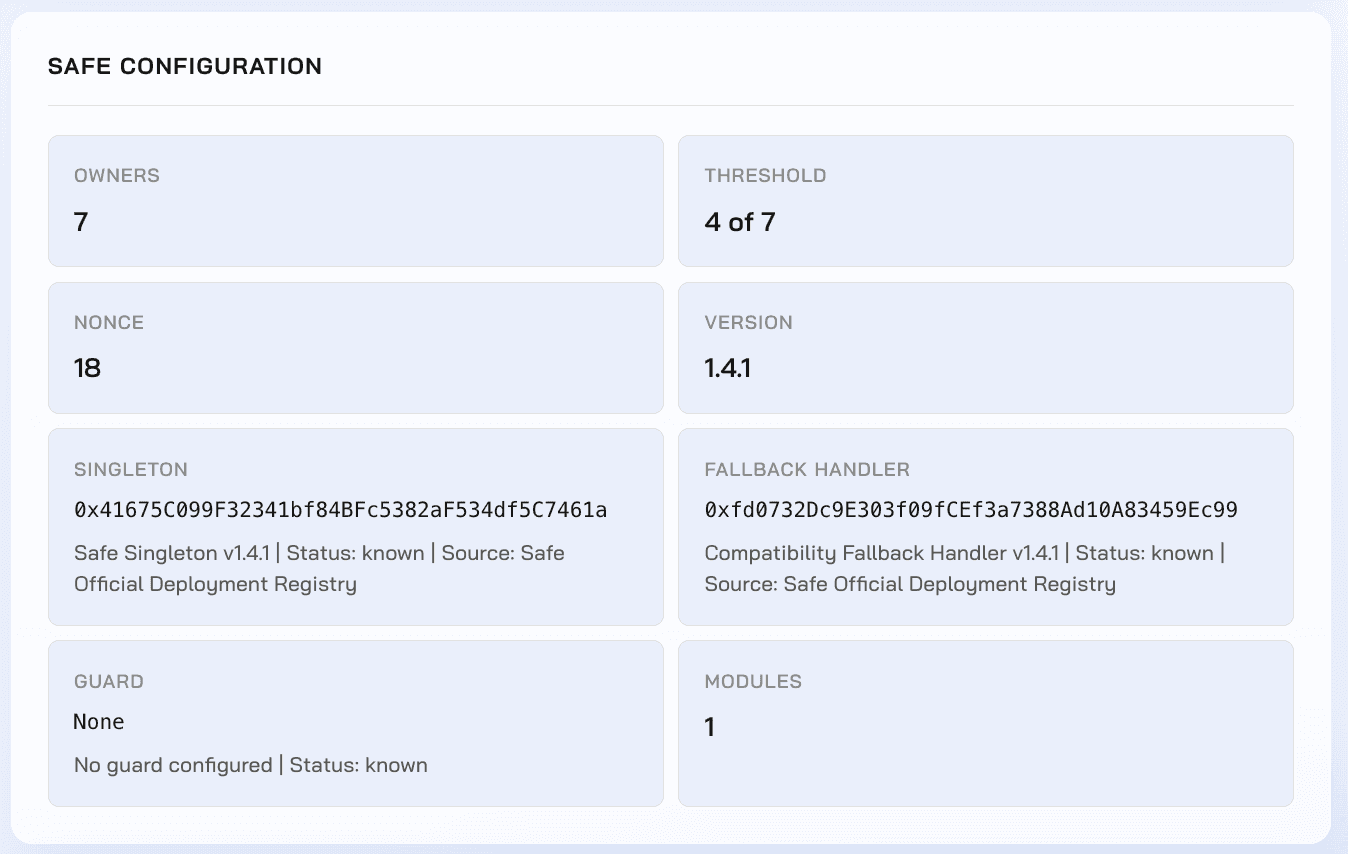
The same configuration report from the last section already answers this. This Safe's singleton and fallback handler are both version 1.4.1, and both are matched against the official Safe registry as known. That match is the whole check. If either one came back unrecognized, that alone is a reason to stop and look closer before doing anything else.
Reading the Report
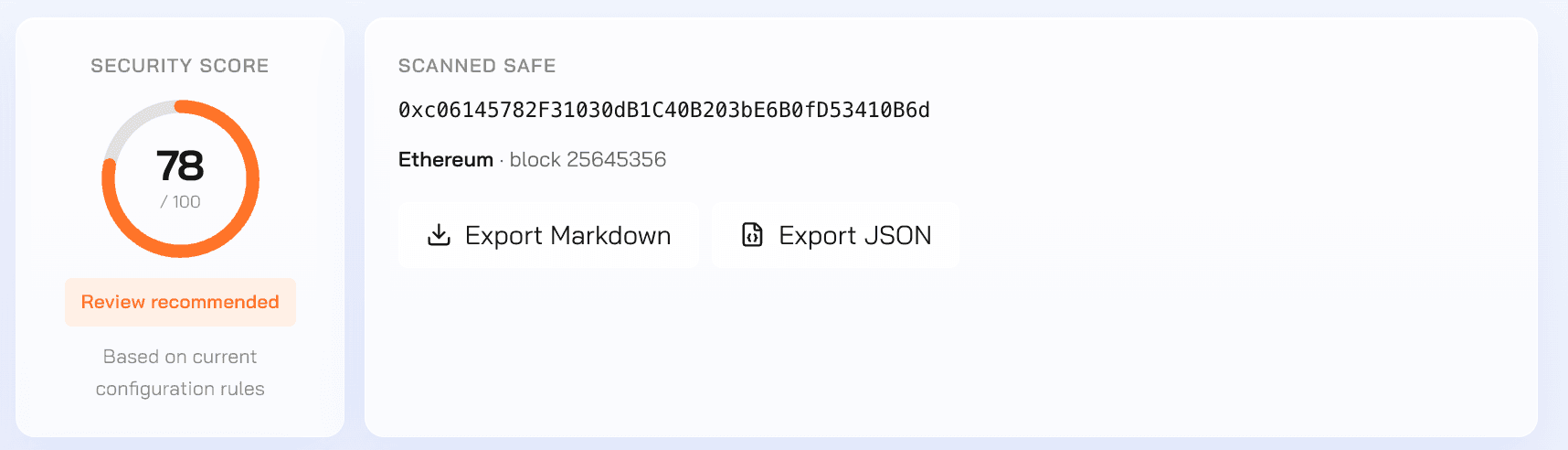
Here's what that looks like on a real Safe. This one scored 78 out of 100, and that score comes from three findings: one high, one low, and one that's just informational.
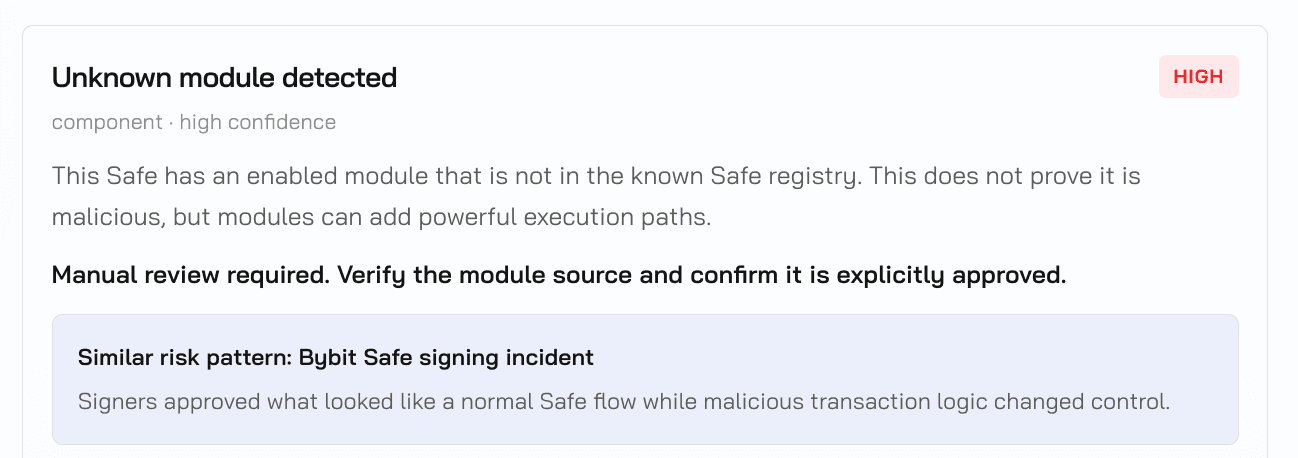
The high severity finding here is the same unknown module from the last section.
The high finding does not say the module is malicious. It says the module is not in the known registry and has not been reviewed yet. That difference matters.
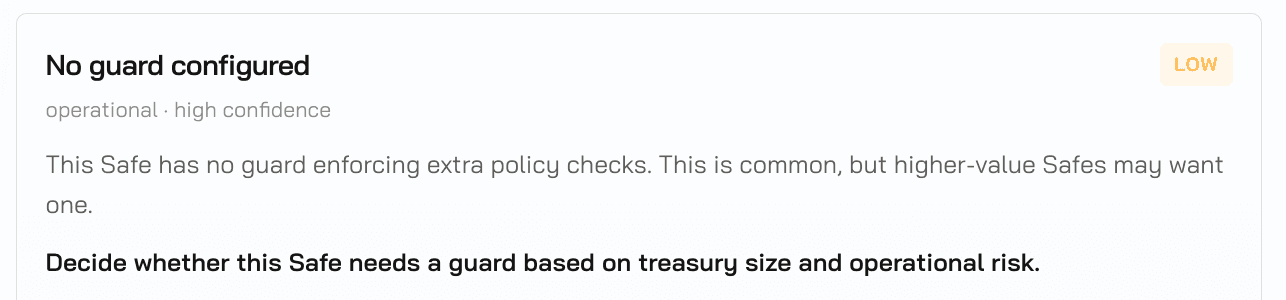
No guard configured is simply worth knowing, most Safes don't have one, so it's flagged low rather than treated as urgent. These findings together, you get the full picture in one pass: who can act, what's attached beyond basic approvals, and whether the underlying contracts are the ones you expect.
Making It Routine
A check like this only tells you the truth about the moment. It won't stay true forever. Nothing alerts you when something changes, so a clean scan today can quietly turn into a real problem later, and you won't know unless you check again. Run this on a schedule, not just when something feels off. That's the only way to catch a problem early, instead of finding out the hard way.

Contents